Why we built Nibleaf for teams that want to own their docs
A dated, hands-on evaluation of Nibleaf as an open-source Mintlify alternative: ownership, authoring, publishing, search, Arabic, limits, and first publish.
· · 12 min read · By The Nibleaf team
Nibleaf is an open-source documentation platform for teams that want a browser editor and a portable, operator-controlled stack. It is not a drop-in winner for every Mintlify team. Mintlify is the stronger choice when a mature Git-first workflow, managed previews, integrations, API-documentation features, and an established hosted service matter more than running the complete application yourself.
This page is the existing owner of that evaluation. We have not created another “Mintlify alternative” URL; the detailed feature matrix remains at Nibleaf vs Mintlify.
A hands-on evaluation you can repeat
Use the same small fixture in each product: five linked pages, one code block, one image, and one Arabic page. Ask a developer and a non-developer to complete the workflow. Record observed, not tested, or requires plan/access instead of filling evidence gaps with assumptions.
- Create or import the fixture and identify the live source of truth.
- Edit a page without Git, preview the draft, and publish it.
- Make an intentionally incomplete change and confirm readers cannot see it.
- Restore or republish a previous version and verify the public result.
- Search for an exact identifier, a misspelling, and an Arabic term.
- Export the content, inspect the files, and open them without the platform.
- List which parts of authoring, deployment, search, analytics, and AI remain vendor-managed.
For Nibleaf, we applied that method to the source and repository evidence described below. For Mintlify, we used its current quickstart, web-editor tutorial, GitHub deployment guide, analytics guide, and custom-frontend guide. We did not claim paid-plan behavior we could not exercise.
Where Mintlify wins today
Mintlify's docs-as-code workflow keeps documentation in Git and connects publishing to a familiar branch and review model. Its managed product has broader deployment previews, integrations, API-reference tooling, search, AI, and analytics. Its Enterprise custom frontend also gives teams control over the reader implementation while Mintlify continues to manage content, search, the assistant, and the editor.
That split is valuable for teams that want frontend ownership without operating the authoring and content services. Mintlify also documents the trade-off clearly: a custom frontend needs its own analytics and SEO work, and several hosted-product capabilities are not available in that headless mode.
If those managed capabilities are your priority, Mintlify may be the better choice. Nibleaf's case is different: it offers a public full-stack deployment boundary, including the editor and core content services, rather than only a custom reader.
What Nibleaf owns differently
Nibleaf's browser editor writes Markdown stored in PostgreSQL. Authors can work visually, in rich text, or in Markdown source; the supported model is then exportable as Markdown. The important limitation is explicit: the live source is database-backed, not a directory in Git unless your team exports and commits it.
Every publish creates an immutable snapshot of pages and site configuration. Readers receive a complete READY snapshot, not a working draft. A user can republish an earlier version, but that is an application-level content rollback—not a promise that every database migration or infrastructure change is reversible.
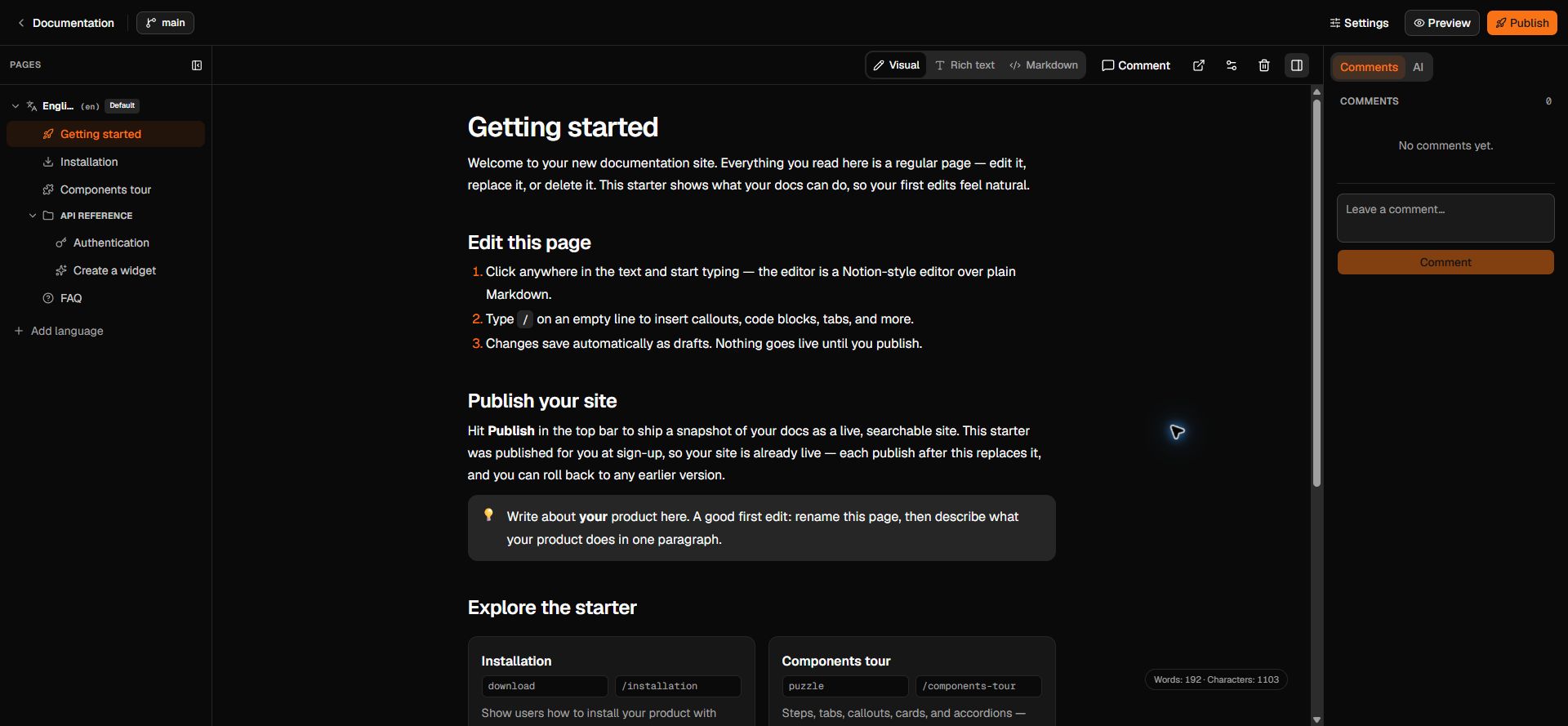
The built-in search path works without an external crawler. Source main also contains an optional, tenant-filtered hybrid-search path, but the published v0.1.2 image remains the release boundary: newer source capabilities are not presented here as if they already ship in that image.
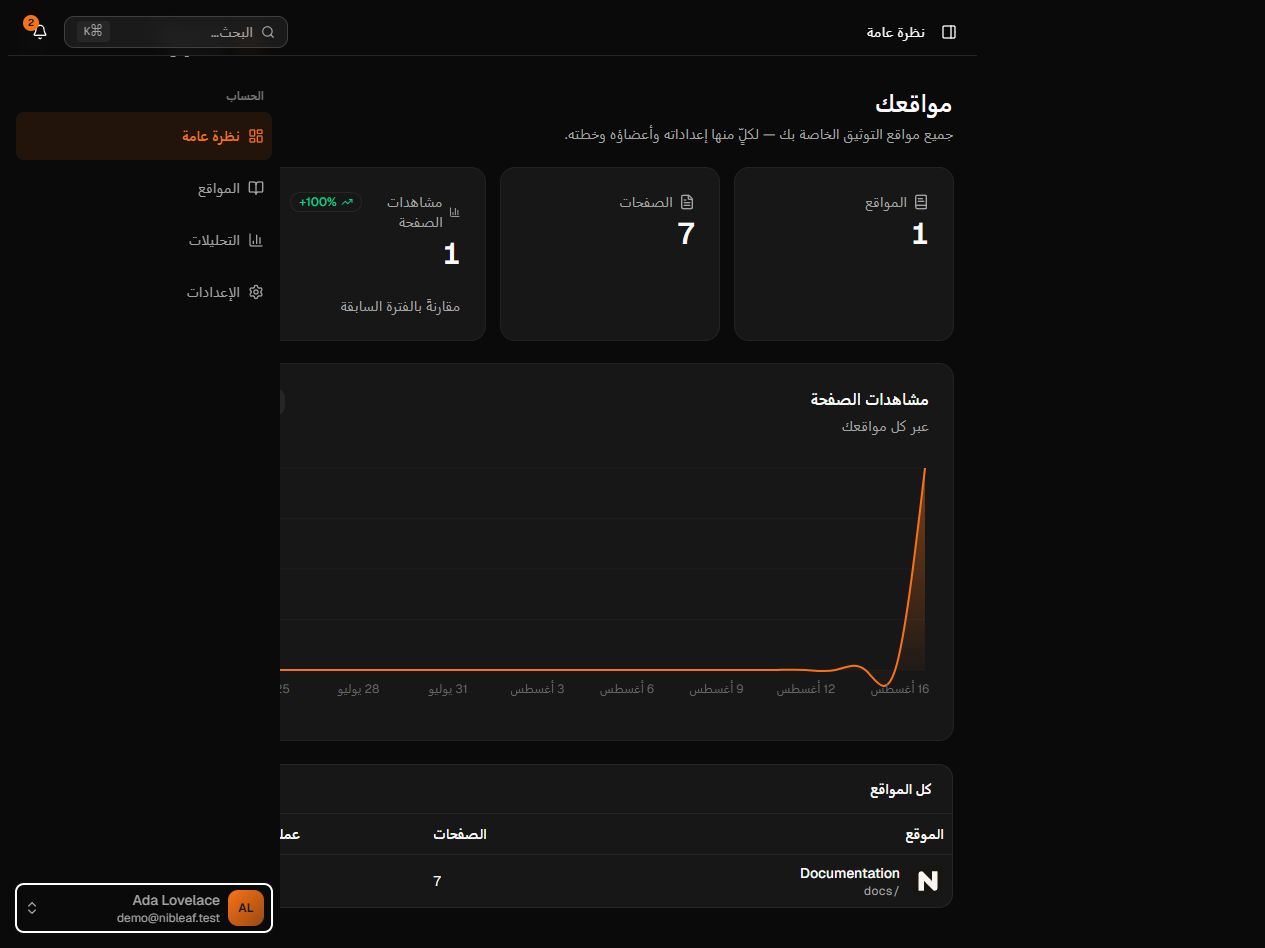
For multilingual sites, each language gets its own page tree. The reader and editor support RTL layout, Arabic search uses a dedicated tokenizer, and generated pages include language metadata. The Arabic documentation guide contains the broader checklist.
Ownership is a system boundary, not a slogan
The codebase is AGPL-3.0 licensed. The public self-host release uses Docker Compose for the app, API, worker, PostgreSQL, queue/cache, and S3-compatible asset storage. Operators can replace the bundled object store with an external compatible service.
That control creates responsibility. A self-hosting team owns TLS, DNS, email, secrets, backups, restore tests, monitoring, storage policy, upgrades, and incident response. Compose on one host is not a zero-downtime or multi-region architecture. The Docker Compose first-publish guide shows the actual release-to-manual-publish path and its recovery boundaries.
Where Nibleaf does not win yet
Nibleaf is in beta, has a smaller ecosystem, and has less operational history than Mintlify or long-established static generators. Its visual editor intentionally supports a bounded MDX model; teams with a large collection of custom React components must test round-trip fidelity before migrating. Git is an export/sync workflow, not the default live authoring store.
The current public container is v0.1.2. Source main can be ahead of that artifact, so a source-level feature is not a release claim. Self-hosting also does not remove external dependencies you choose, such as an email provider, an external object store, analytics, or optional AI services.
These limits are reasons to run the fixture, not reasons to hide the comparison. Teams that only need a developer-owned static site should also test Docusaurus; it may be simpler than operating a platform.
From evaluation to a first manual publish
Nibleaf provisions a starter project and performs an automatic starter deployment after sign-up. That proves provisioning, not author activation. The meaningful path is to open the starter project, make a visible edit, preview it, and click Publish yourself until the deployment is READY.
For a deeper product walkthrough, read authoring and publishing. For infrastructure ownership, start with self-hosting and rehearse a restore before moving production documentation.
Frequently asked questions
- Is Nibleaf available as a hosted product?
- Yes. Nibleaf Cloud is available in beta, and the public AGPL-3.0 release can be installed with a pinned GHCR image and Docker Compose.
- Does Nibleaf lock content into a proprietary format?
- Pages are stored as Markdown in the database and can be exported as Markdown. The live source is not a directory in Git unless the team exports and commits it.
- Does Nibleaf support Arabic and right-to-left documentation?
- Yes. Each language has its own page tree, RTL layout is built into the reader and editor, search uses an Arabic tokenizer, and the interface is localized in English and Arabic.